

Course Description
Grades 1–8 · Ages 6–13 · Live 1-on-1 Online Classes · Fun Project-Based Learning · 60-Class Program
Introduce your child to the world of coding with Edifychamps’ Scratch Programming course, the most fun, visual, and child-friendly way to start coding. Designed for children in Grades 1–8, this live instructor-led program uses MIT’s Scratch platform to teach real programming concepts through games, animations, interactive stories, and creative projects no prior experience needed, just curiosity and imagination.
Quick Course Facts
| Total Classes | 30 or 60 Classes |
| Session Duration | 60 Minutes |
| Grade Level | Grades 1–8 (Ages 6–13) |
| Class Format | Live Online – 1-on-1 or Small Group |
| Schedule | 2–3 Classes Per Week |
| Platform | MIT Scratch – Free, Browser-Based |
What is Scratch Coding?
Scratch is a visual programming language developed by MIT (Massachusetts Institute of Technology) specifically designed to introduce children to coding as intuitively and enjoyably as possible. Instead of typing complex text-based code, children snap together colourful coding blocks like puzzle pieces to create animations, interactive stories, games, and simulations.
Scratch is used by over 100 million children worldwide and is recommended by educators and computer science experts as the ideal first programming language for young learners. It teaches the same fundamental programming concepts loops, conditionals, variables, events, and algorithms that underpin Python, Java, and JavaScript, but in a way that feels like play rather than study.
At Edifychamps, our Scratch course is taught live by experienced, child-friendly instructors who make every session engaging, encouraging, and genuinely fun. Students do not just follow along they design, build, and share their own projects, developing real computational thinking skills alongside creativity and confidence.
What Will Your Child Learn?
This course takes children through every stage of Scratch programming, from moving their first sprite to building complete interactive games.
- Introduction to programming concepts and how computers think
- Navigating the Scratch interface: stage, sprites, costumes, and backdrops
- Motion blocks, simple animations, and character movement
- Events and sequencing: making things happen in the right order
- Loops: making programs repeat actions efficiently
- Conditional statements teaching the computer to make decisions
- Variables, operators, random numbers, and scorekeeping
- User input and interactive programs
- Character animation, dialogue, scene transitions, and sound effects
- Building interactive stories with multiple characters and scenes
- Game development: maze games, catch games, platform games, and quiz games
- Broadcast messages and cloning: advanced Scratch techniques
- Debugging: finding and fixing problems in their own programs
- Final Capstone Project: a complete game or interactive story of their own design
Who is This Course For?
- Children in Grades 1 through 8, ages 6 to 13, who are curious about technology and coding
- Complete beginners no prior coding or computer experience needed beyond basic mouse and keyboard use
- Creative children who love games, stories, animation, and art. Scratch combines all of these
- Parents who want their child to develop computational thinking, logical reasoning, and digital literacy early
- Students who want a fun, structured first step before moving on to Python, JavaScript, or Java
Scratch is the perfect starting point. Children who learn Scratch first find every other programming language easier and more intuitive when they encounter it later.
Course Curriculum – 60-Class Roadmap
| Module | Classes | Topics Covered |
|---|---|---|
| Module 1: Introduction to Scratch | 10 | Intro to Coding, Scratch Interface, Sprites & Stage, Motion Blocks, Simple Animations |
| Module 2: Events and Control | 10 | Event Blocks, Loops, Conditional Statements, Timing, Interactive Programs |
| Module 3: Variables and Operators | 10 | Variables, Operators, Random Numbers, Score Keeping, User Input |
| Module 4: Animation and Storytelling | 10 | Character Animation, Dialogues, Scene Transitions, Sound Effects, Interactive Stories |
| Module 5: Game Development | 10 | Maze Games, Catch Games, Platform Games, Quiz Games, Multiplayer Concepts |
| Module 6: Capstone Projects | 10 | Project Planning, Game Design, Debugging, Project Presentation, Portfolio Development |
| TOTAL | 60 | Full Scratch Coding Curriculum |
How Assessment Works
Assessment in this course is designed to be encouraging, creative, and age-appropriate, focused on building confidence and genuine skills rather than pressure.
Ongoing: Weekly coding activities, logic challenges, mini projects, and module quizzes check understanding after each topic in a fun, low-stakes way.
Project-Based: Interactive stories, animated projects, educational games, and puzzle games give children the chance to apply every skill they learn to something they are genuinely proud of.
Creative Evaluation: Creativity assessments, coding skills evaluations, and project reviews celebrate what each child has built not just whether the code is technically correct.
Final: A complete Capstone Project a game or interactive story that each child designs, builds, debugs, and presents independently the highlight of their Scratch portfolio.
What’s Included in Every Package
- Live instructor-led online classes with child-friendly instructors
- Personalised learning pathways tailored to each child’s pace
- Fun coding assignments and activities
- Interactive games and animation projects
- Project-based learning throughout every module
- Progress tracking and performance reports for parents
- Dedicated doubt-solving sessions
- Individual feedback and improvement plans
- Access to Scratch coding resources and practice exercises
Pricing & Enrollment Options
Starter Package – 30 Classes
$450 – $540 USD
$15–$18 per 60-minute live session
Best for younger children or families who want to try structured Scratch coding — covering the Scratch interface, motion, events, loops, conditionals, and first interactive projects.
Complete Package – 60 Classes
$900 – $1,080 USD
$15–$18 per 60-minute live session
Best for children who want to go through the full Scratch curriculum covering variables, animation, storytelling, game development, and a complete Capstone project they design themselves.
Payment is available as a one-time full payment or in instalments upon request. Secure international payment methods are accepted.
Frequently Asked Questions
What age is Scratch coding suitable for?
This course is designed for children in Grades 1 through 8, ages 6 to 13. Scratch is particularly engaging for ages 7 to 11, but younger children with adult support and older beginners up to 13 also benefit greatly from the structured program.
Does my child need any prior coding experience?
No prior coding experience is needed at all. Scratch is designed from the ground up to be a child’s very first experience with programming. All your child needs is the ability to use a mouse and basic keyboard skills.
Is Scratch a real programming language or just a toy?
Scratch teaches genuine, industry-standard programming concepts loops, conditionals, variables, events, algorithms, and debugging that are identical to those used in Python, Java, and JavaScript. The difference is that Scratch presents them through visual blocks rather than typed code, making them accessible to young children while still building real computational thinking skills.
What will my child be able to build by the end of the course?
By the end of the 60-class course, children will have built multiple Scratch projects interactive stories, animated characters, and fully playable games, plus a complete Capstone game or story they designed independently. These projects form a Scratch portfolio they can share with friends, family, and teachers.
What comes after Scratch? What language should my child learn next?
After completing Scratch, children are well prepared to move into Python, the most popular and beginner-friendly text-based programming language. Edifychamps offers a Python Programming: Beginner to Advanced course that builds directly on the programming concepts learned in Scratch.
Are the classes live or pre-recorded?
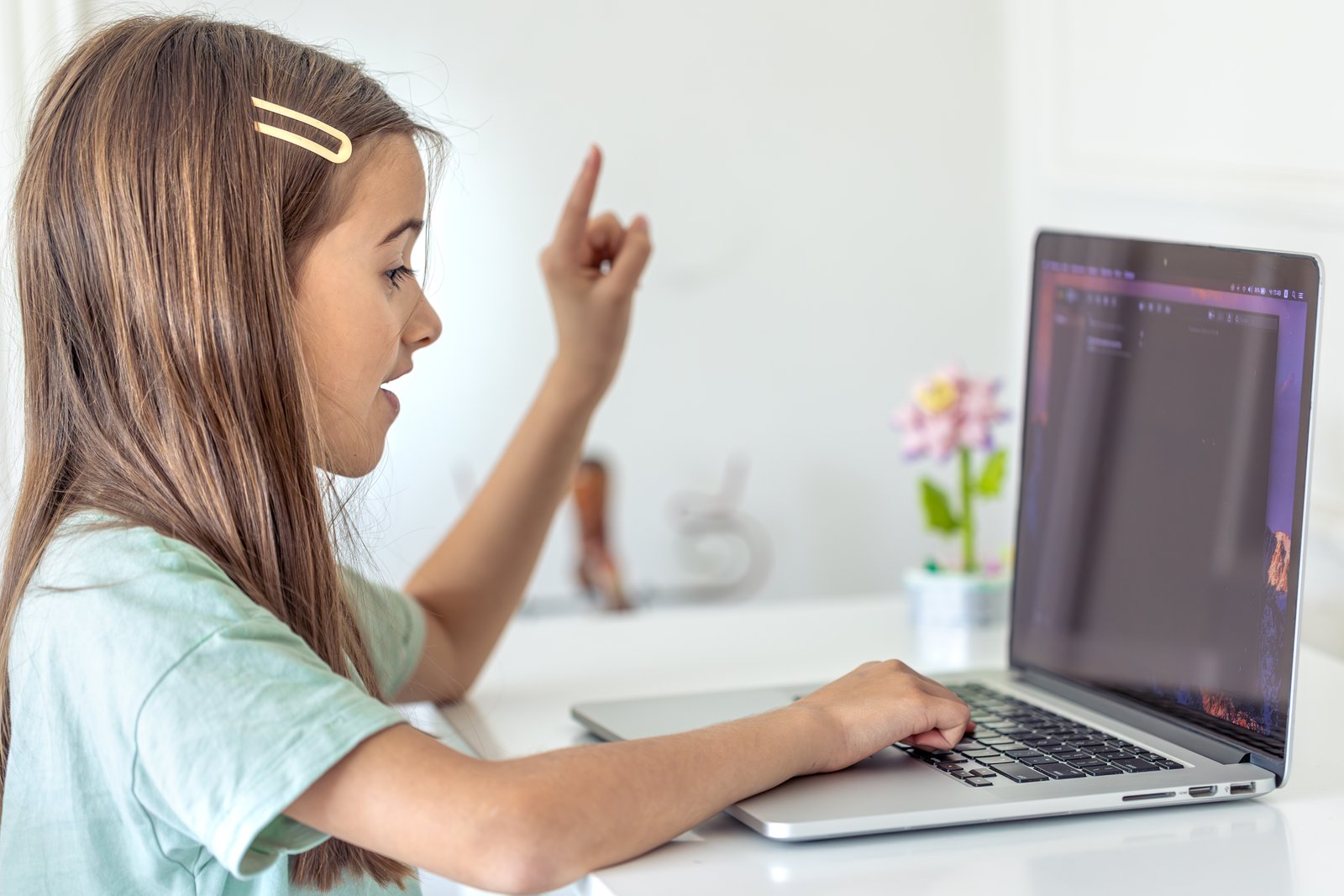
All classes are live, instructor-led online sessions. Children interact directly with their instructor in real time, share their Scratch projects on screen, get immediate feedback, and work through challenges together, making every session interactive and engaging.
How do I enroll my child?
Contact us at Contact@edifychamps.com or WhatsApp +91 93105 96720. We will arrange a free discovery call to understand your child’s age, interests, and goals and get them started in the right package.
Student Ratings & Reviews